AI Coding & Developer Tools: The Complete Guide
- By Sajid Khan
- 6 min read
- Updated August 20, 2026
- Claims verified August 20, 2026
You install an AI agent that can run commands on your own computer, unattended, while you sleep. It sounds like science fiction. In 2026, it's one of the most-searched tools in this entire category.
After researching this space closely, the honest finding is that developer AI tools in 2026 split into two very different trust decisions: tools that suggest code for you to review, and tools that actually act on your system without you watching every step. Confusing the two is where people get into real trouble.
This guide breaks down what's actually available, what each tool is genuinely good at, and where the real risks are, so you can make an informed choice instead of chasing hype. No inflated claims. Just what the evidence shows.
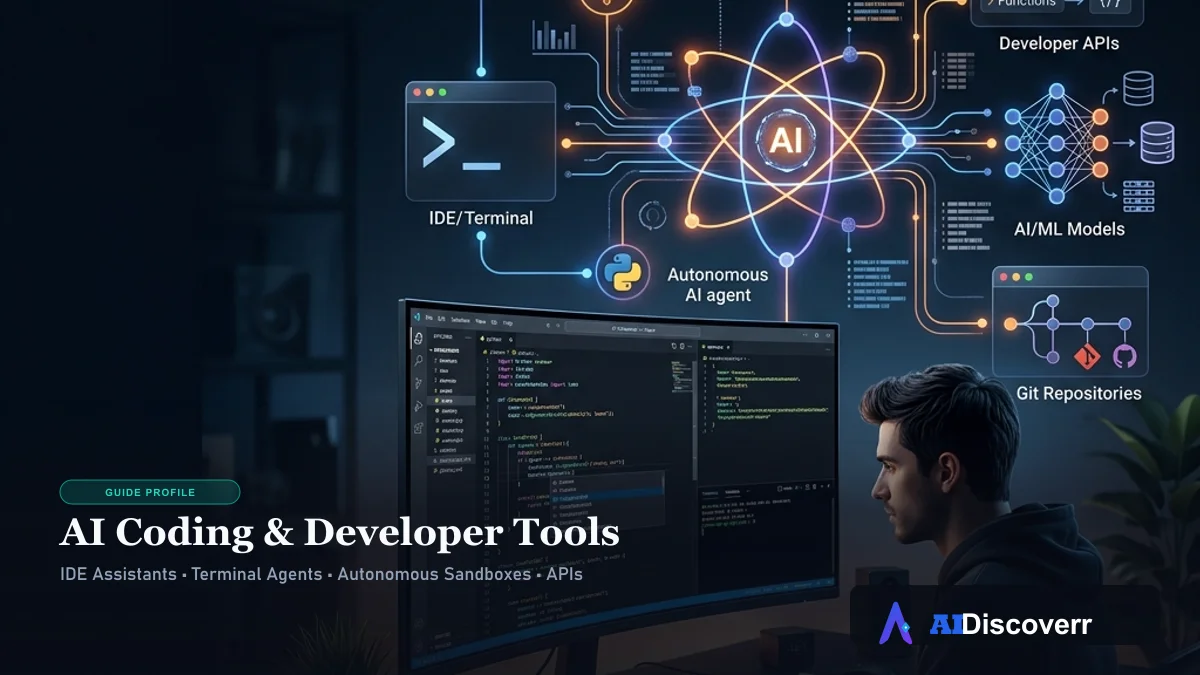
What Are AI Coding & Developer Tools?
This category covers software that helps developers write, debug, and ship code, plus the API access that lets developers connect their own applications to AI models and other services.
Two real sub-groups exist here, and they're not interchangeable. AI coding assistants and agents help you write and manage code, ranging from suggestion-based tools to fully autonomous agents. API access tools give developers programmatic access to specific services, search, images, AI models themselves, for building their own applications.
What Is OpenClaw (Formerly Clawdbot)?
OpenClaw is an open-source, self-hosted AI agent that runs on your own machine and takes real, autonomous actions: executing shell commands, browsing the web, managing files, and handling email and calendar tasks. You interact with it through messaging apps you already use, WhatsApp, Telegram, Slack, or Signal, rather than a dedicated interface.
The project launched in November 2025 under the name Clawdbot and grew explosively, surpassing 200,000 GitHub stars by February 2026, faster growth than Docker or Kubernetes saw in their early history. It went through two rebrands, first to Moltbot, then to OpenClaw, after Anthropic raised trademark concerns about the original name's reference to Claude. Its creator, developer Peter Steinberger, has described it simply as an AI that actually does things, rather than just answering questions.
Is OpenClaw Safe to Use?

Giving an AI agent persistent, unattended access to your shell, files, browser, and email is a fundamentally different trust decision than using a chat-based coding assistant that waits for your review before acting. Cybersecurity researchers have flagged real concerns around this category of tool, including prompt injection, where malicious content the agent encounters online could manipulate it into taking unintended actions, and the general risk of an unattended agent making a mistake with real consequences while you're not watching.
Practical guidance if you're considering OpenClaw: run it in an isolated environment, such as a dedicated machine or virtual machine, rather than your primary daily-use computer. Review exactly which permissions and integrations you grant it, and avoid connecting it to anything with direct financial or legal consequences, banking, cryptocurrency wallets, contract signing, without a clear understanding of what could go wrong. Start with low-stakes tasks and expand access gradually as you understand its behavior.
AI Coding Assistants Compared
Claude Code
Anthropic's terminal-native coding agent, widely regarded for deep reasoning, debugging, and understanding large, complex codebases. For a full breakdown of Claude Code's features, pricing, and usage limits, see our complete Claude review.
OpenAI Codex
Re-emerged in late 2025 as a serious, standalone agentic coding system, distinct from the original Codex model. Current Codex runs in sandboxed cloud environments, letting it work on tasks asynchronously while you do something else, with results surfacing as pull requests for your review. On the Terminal-Bench 2.1 leaderboard, Codex CLI has led with an 83.4% completion rate as of mid-2026.
Cursor
An IDE built on VS Code with AI integrated directly into the editing experience, including a multi-file editing agent called Composer. Cursor remains the most popular daily-driver choice among developers for in-editor flow and fast code completion, distinct from the more autonomous, terminal-based agents above. For a detailed comparison with its closest competitor, see our guide on Cursor vs Copilot.
Which AI Coding Tool Should I Use?
This depends on where you want the AI to sit in your workflow, not which tool is universally "best."
For everyday in-editor development, fast completions, inline edits, and small-to-medium changes, Cursor is the most common daily driver among developers. For complex, multi-step tasks, large refactors, debugging subtle issues, understanding an entire large codebase, Claude Code consistently leads on reasoning depth. For asynchronous, sandboxed task completion where you assign work and check back later, Codex's cloud-based approach fits well.
Many developers use more than one: Cursor for daily flow, and Claude Code or Codex for the hardest problems that benefit from deeper, more autonomous reasoning.
Open-Source vs. Subscription AI Coding Tools — Understanding the Real Cost
This distinction matters more than most comparisons acknowledge, and it changes your actual monthly cost significantly.
Open-source agents like OpenClaw are free as software, but you bring your own API key and pay the underlying model provider directly for token usage. Your real cost depends entirely on how much you use it and which model you connect it to. Subscription tools like Cursor Pro bundle model access into a flat monthly fee with defined usage limits, more predictable, but you're paying for convenience and a defined ceiling rather than raw usage.
Getting Free API Access for Developer Tools
Brave Search API
Brave offers developer access to its search index, allowing you to feed current web results directly into AI and RAG applications. For a detailed breakdown of current pricing, setup details, and billing settings, see our complete Brave Search API guide.
Unsplash API
Unsplash provides a free developer API for accessing its stock photo library programmatically, commonly used for placeholder images and content projects. For details on registration, rate limit tiers, and mandatory attribution rules, see our complete Unsplash API guide.
Gemini API Pricing
Google provides developer access to its Gemini model family via Google AI Studio. For a detailed breakdown of token costs, Free Tier rate limits, Batch API discounts, and an interactive cost calculator, see our comprehensive Gemini API Pricing guide.
OpenAI API Setup
If you are building RAG, agentic, or general AI applications with OpenAI models, getting your development environment configured properly is the first step. For a complete guide on generating API keys, storing credentials securely, and sending your first request using Node.js or Python, see our comprehensive OpenAI API Setup guide.
Claude API Setup
Anthropic's Claude model family provides industry-leading reasoning and coding capabilities. For a step-by-step tutorial covering Claude Console configuration, API key security, Python & TypeScript SDK installation, Messages API structure, and model selection, read our complete Claude API Setup guide.
General API Key Setup Guidance
Most developer APIs, including AI model providers, follow a similar pattern: create a developer account, generate a key from a dashboard or console, and start with the free tier to confirm the integration works before committing to paid usage. Always store API keys in environment variables rather than directly in code, and never commit them to a public repository.
How to Choose the Right AI Coding Tool for You
Start with what you're actually trying to accomplish. If you want personal automation across your messaging apps and are comfortable with real security tradeoffs, OpenClaw offers capability nothing else on this list matches, provided you take the safety precautions seriously.
If you're doing professional coding work, match the tool to your workflow: Cursor for daily in-editor development, Claude Code for complex reasoning and large codebases, Codex for asynchronous, sandboxed task assignment. If you're building your own application and need specific API access, start with the free tier of whichever service matches your need and confirm the integration works before scaling up.
Final Thoughts
The clearest pattern across this entire category in 2026 is convergence at the top, the gap between the leading coding tools has never been smaller, while a genuinely new category, autonomous local agents like OpenClaw, has opened up capability that simply didn't exist in mainstream tools a year ago.
That new capability comes with a real trust decision attached, not a hypothetical one. An agent that can act on your system unattended deserves the same careful evaluation you'd give any tool with that level of access, regardless of how viral or exciting it is.
Our take: match the tool to your actual need rather than the hype cycle. For coding specifically, Claude Code, Codex, and Cursor are all genuinely strong choices depending on your workflow. For personal automation through OpenClaw, go in with real safety precautions from day one, not as an afterthought once something goes wrong.
Frequently Asked Questions
Is OpenClaw free to use?
Yes, OpenClaw itself is free, open-source software. You do need to bring your own API key and pay the underlying AI model provider for token usage, so your real cost depends on how much you use it.
What happened to the name Clawdbot?
The project was originally called Clawdbot, a reference to Claude. After Anthropic raised trademark concerns, it briefly became Moltbot before settling on its current name, OpenClaw, in January 2026.
Do I need to know how to code to use OpenClaw?
Setting up OpenClaw requires some technical comfort, working with a terminal, configuring permissions, and understanding what you're granting it access to. It's not a plug-and-play consumer app.
Is Claude Code better than Codex?
Independent benchmarks show Codex CLI slightly ahead on the Terminal-Bench 2.1 leaderboard as of mid-2026, while Claude Code is frequently preferred for deep reasoning on complex, large-codebase tasks. Neither is a universal winner; see the comparison above for use-case-specific guidance.
Can I use these AI coding tools for free?
Most offer some free access: Claude Code and Codex have limited free usage tiers, Cursor offers a free plan with restrictions, and OpenClaw is free software though you pay for the model tokens it uses.
What is Terminal-Bench, and why does it matter?
Terminal-Bench is an independent benchmark that tests how well AI coding agents complete real terminal-based tasks. Citing a named, dated benchmark score is a stronger signal of real performance than a vendor's own marketing claims.
Is it safe to give an AI agent access to my email?
This depends on the specific tool, its permission model, and how carefully you configure it. Review exactly what access you're granting, start with limited permissions, and expand only as you understand the tool's behavior, as covered in the OpenClaw safety section above.